Voice AI
Amazon Silently Kills Alexa Voice Switching for Older Echo AUX Jacks
Selma Ortiz · 16h ago · 4 min read
Apple officially unveiled the HomeView smart display. Armed with personal context from your iPhone and Siri AI, it aims to conquer the smart home.

By Tobias Reinholt, Policy and security writer · Reported off Engadget
Fraud analyst turned policy writer. Deepfakes, consent, regulators.
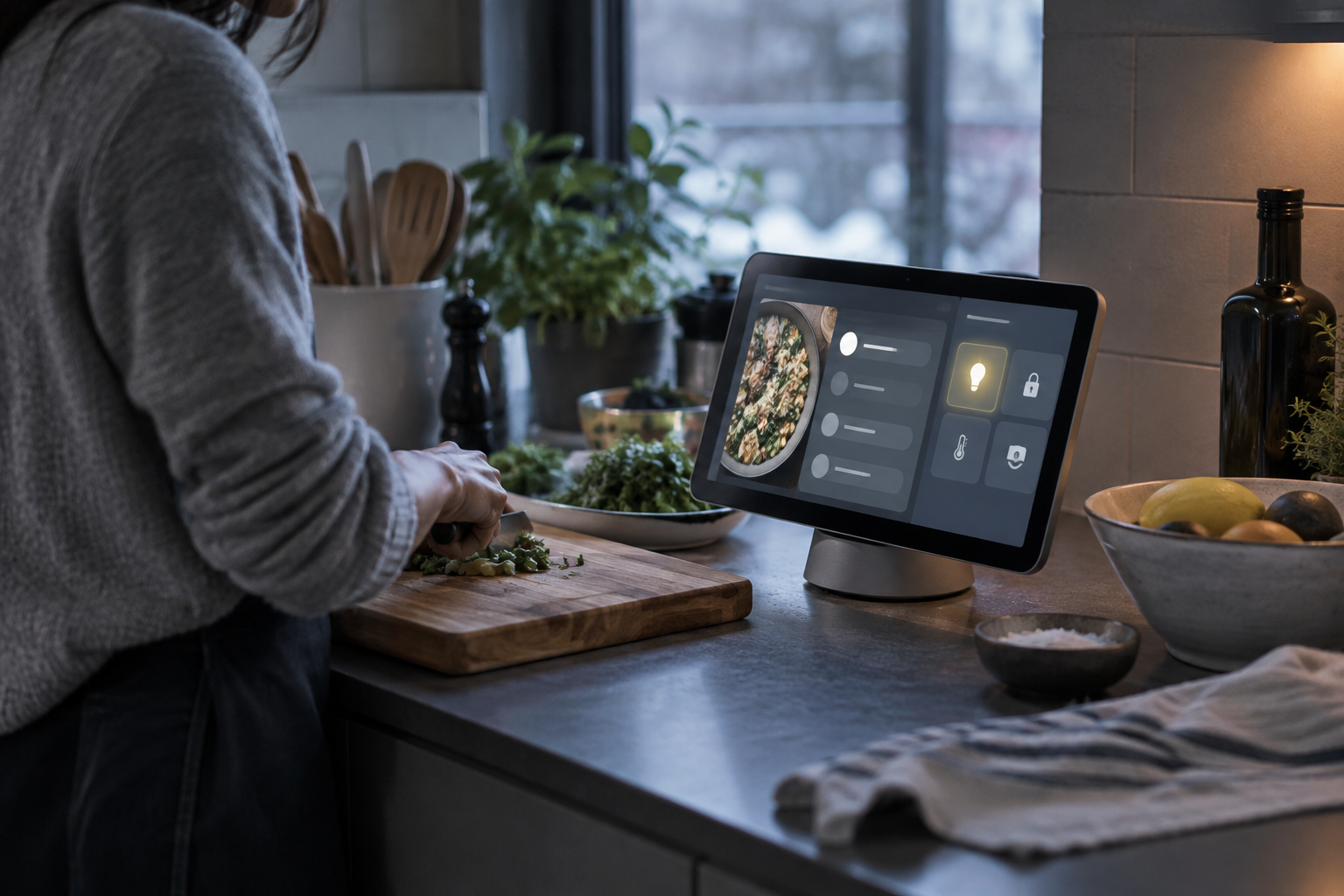
Apple finally unveiled the HomeView on the morning of October 13, 2026. It is a dedicated smart display and speaker built to anchor your living space. In the hand, it looks uncannily like an oversized Apple Watch mounted on a base. On the counter, it functions as a centralized hardware bridge for the newly branded Apple Home Collection.
The hardware merges audio output with a responsive touch panel. It draws immediate data from your iPhone and iPad, surfacing recently opened applications and system states without requiring manual sync cycles. Swiping through the interface reveals direct controls for home automation, including instant access to live security camera feeds, smart door locks, and climate settings.
Third-party hardware integrations showed up immediately during initial staging. The system operated live controls for connected thermostats manufactured by LG and Schneider Electric alongside connected door locks. Apple designed the navigation so that camera feeds stream immediately upon selection, avoiding the buffering delays that typically plague battery-powered camera accessories.
Siri AI runs the operational layer. The assistant pulls cross-device message logs and background activity directly from personal iOS devices. During morning stage demonstrations, an operator instructed the display to retrieve and spin a track that a contact named Jeff had sent over text message. Siri resolved the contact name, scanned the message history on the connected phone, extracted the shared audio link, and began playback without additional confirmation steps.
Apple is betting that you will trade your countertop real estate for an assistant that reads your text messages before you do.
Cooking workflows received dedicated interface treatment through native Safari integration. The HomeView browser recognizes online recipes built according to standard structured schema guidelines established by Google. When opened, the display strips away web page clutter and reformats the text into dedicated ingredient checklists and numbered instructions.
Inline software timers populate directly inside those recipe steps. Tapping a duration highlighted inside the text immediately starts a hardware countdown on the screen. Users can transfer active recipe pages from an iPhone to the HomeView simply by tapping the phone against the display chassis, replicating the tap-to-transfer proximity audio mechanism Apple previously introduced on HomePod speakers.
For a decade, smart displays belonged almost exclusively to Amazon and Google. Millions of cheap plastic slabs flooded kitchens to act as digital picture frames and glorified egg timers. Most owners stopped talking to them the moment voice queries started returning generic web search summaries.
Apple held back. Cupertino stayed inside the voice-only lane with the original HomePod in 2018 and the HomePod mini in 2020. Those devices leaned on high-fidelity audio engineering and strict local network privacy. Without a display, however, visual confirmation of household tasks remained trapped on individual iPhone lock screens.
The roadblock was never hardware assembly. Apple builds millions of exceptional displays every quarter. The roadblock was Siri. For years, the legacy assistant could not reliably distinguish between family members, handle contextual pronouns, or parse complex device commands. Trying to run a shared household screen on top of that brittle voice foundation would have produced an expensive disaster.
By late 2026, the architecture shifted toward personal context engines. Instead of treating every inbound request as a cold search query against a remote cloud index, modern voice models look backward into local user history. The engine needs to know who Jeff is, when he messaged, what link he dropped into the thread, and which media application owns the playback rights.
Without deep hooks into personal device logs, a countertop screen remains a dumb appliance. Apple realized that its real leverage was not the screen panel itself. The leverage was the iPhone resting in your pocket fifty feet away in the hallway.
Early hands-on testers noted the physical resemblance between the HomeView display module and an enlarged Apple Watch dial, noting that the aesthetic choice immediately signals Apple hardware heritage.
Demonstration observers pointed out that Siri AI handled cross-device conversational shorthand with noticeably low latency, pulling specific music links out of private message threads on command:
Initial reactions emphasize that while the morning demonstrations were tightly scripted by Apple engineers, the touch latency and UI responsiveness across smart home control panels matched the standard established by modern iPad tablets.
Critique emerged around the practical reality of living with the system. Testers recognized that a controlled demonstration floor does not represent the RF interference, variable home Wi-Fi speeds, and ambient kitchen noise of a busy household. Observers are reserving full judgment on Siri AI until units undergo long-term testing outside corporate demo suites.
The immediate consequence lands squarely on competing smart display makers. Amazon and Google have spent years treating kitchen displays as loss leaders to peddle retail goods or serve ambient advertising. Apple is treating the category as a paid command terminal for your existing hardware ecosystem.
Third-party accessory manufacturers must now adapt to Apple Home Collection requirements. By giving stage time to enterprise and consumer hardware partners like Schneider Electric and LG, Apple signaled that HomeView will not limit its climate and sensor integration to small niche smart home startups. Established HVAC and appliance vendors will need to build for Apple screen interfaces if they want placement on modern kitchen islands.
Web publishers face an operational shift in digital recipe formatting. Because HomeView relies strictly on standard structured data markup recognized by Google to trigger its dedicated cooking mode, culinary websites with proprietary, ad-heavy layouts will find themselves discarded. Food blogs and recipe hubs will have to clean up their metadata or lose screen time to publishers whose sites format cleanly for Apple touch controls.
The real test begins when units ship into real homes. Personal context access makes voice interfaces powerful, but it also creates domestic friction. If a shared kitchen display can read private text threads aloud or surface personal media links sent by contacts, Apple must prove its permission model keeps private communications separated from communal family spaces.
HomeView proves that Apple no longer views voice as a floating feature scattered across disparate operating systems. Voice AI is now an anchor mechanism designed to bind your physical furniture directly to your digital pocket.
Smart displays failed for years because they treated voice commands like generic web searches. HomeView hooks directly into the personal context engine of your iPhone. By letting Siri AI parse your personal text messages and app activity from across the room, Apple turns an ordinary countertop screen into an indispensable command center for your life.
Reported off Engadget. Original reporting and analysis by Tobias Reinholt for Vox Roboti.
The HomeView resembles an enlarged Apple Watch display mounted as a tabletop smart screen and speaker.
Siri AI accesses text message threads and recent apps on your iPhone to locate shared links and media.
Yes. Apple demonstrated direct climate controls for connected thermostats manufactured by both LG and Schneider Electric.
The display parses Safari recipe directions into steps and inserts tappable shortcut timers directly into the text.
Hold your iPhone close to the HomeView chassis to trigger proximity handoff, identical to HomePod audio transfers.
Yes. Users can swipe through the interface to pull up responsive live feeds from connected security cameras.
Selma Ortiz · 16h ago · 4 min read

Cass Iverson · 2d ago · 5 min read

Selma Ortiz · 2d ago · 5 min read