Voice AI
Amazon Silently Kills Alexa Voice Switching for Older Echo AUX Jacks
Selma Ortiz · 16h ago · 4 min read
Google quietly retired the Nest Mini and Nest Audio in 2026. Millions of pucks still sit on kitchen counters, and when they choke, voice commands won't save you.

By Tobias Reinholt, Policy and security writer · Reported off Engadget
Fraud analyst turned policy writer. Deepfakes, consent, regulators.
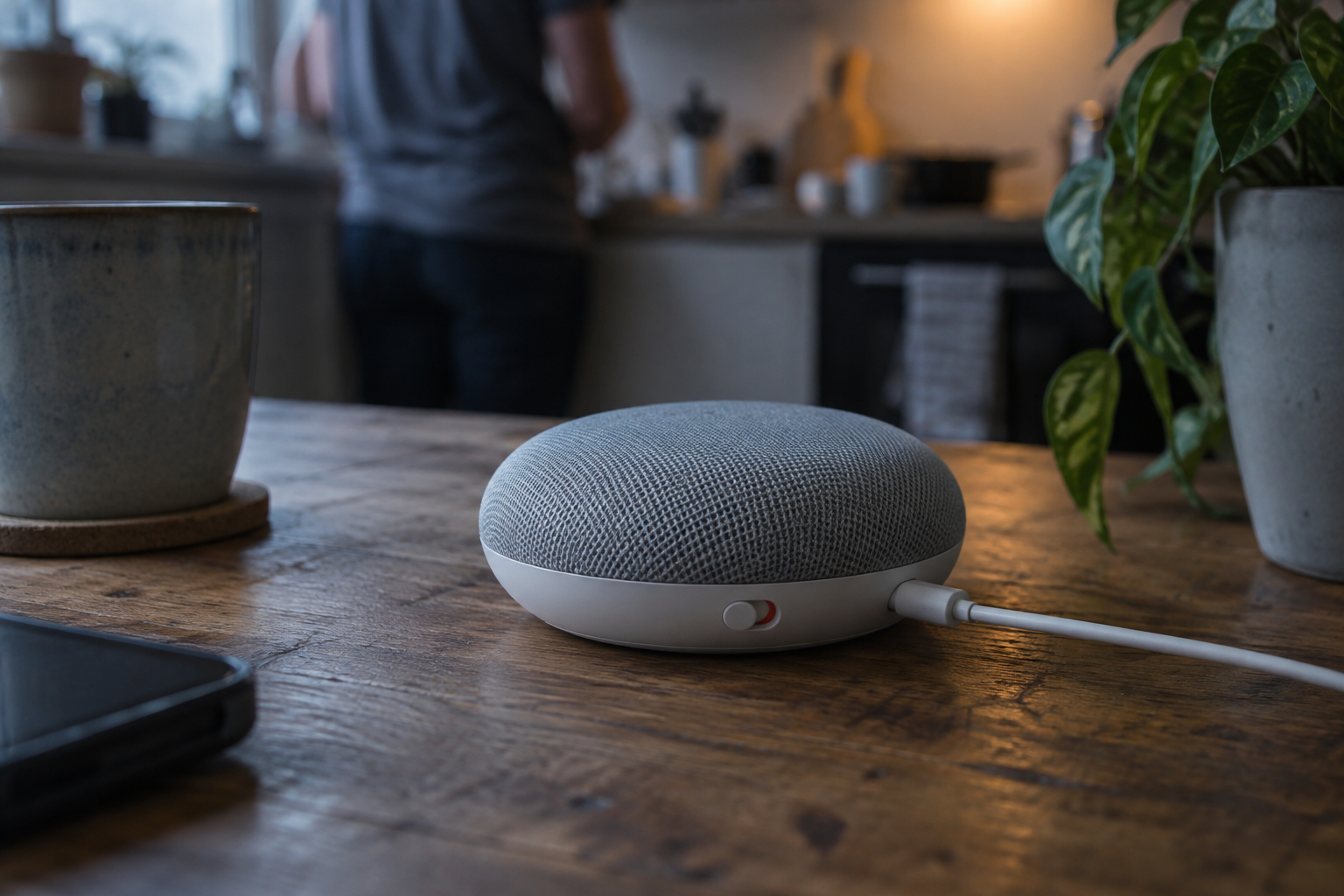
That grey fabric puck sitting on your kitchen shelf just became a museum piece. Google pulled the plug on manufacturing both the Nest Mini and the Nest Audio earlier this year, clearing shelf space for a brand-new smart home speaker. The units already sitting in your house will keep running, but hardware immortality does not exist in Mountain View.
When these small speakers freeze, disconnect from Wi-Fi, or prepare for the secondary market, you quickly run into a wall. You cannot talk your way out of a corrupted device. The voice assistant will not accept a vocal command to erase itself, and the Google Home mobile app has no remote kill switch for a factory reset. The only way out is a manual, physical wipe using hardware buttons that Google spent nearly a decade trying to convince you to ignore.
Engadget confirmed that Google has officially halted production lines for both the second-generation Nest Mini and the larger Nest Audio. The original Google Home Mini debuted nine years ago, and while hardware manufacturing has ceased across that entire compact legacy tier, Google committed to maintaining software updates, security patches, and active customer care for the foreseeable lifespan of the units.
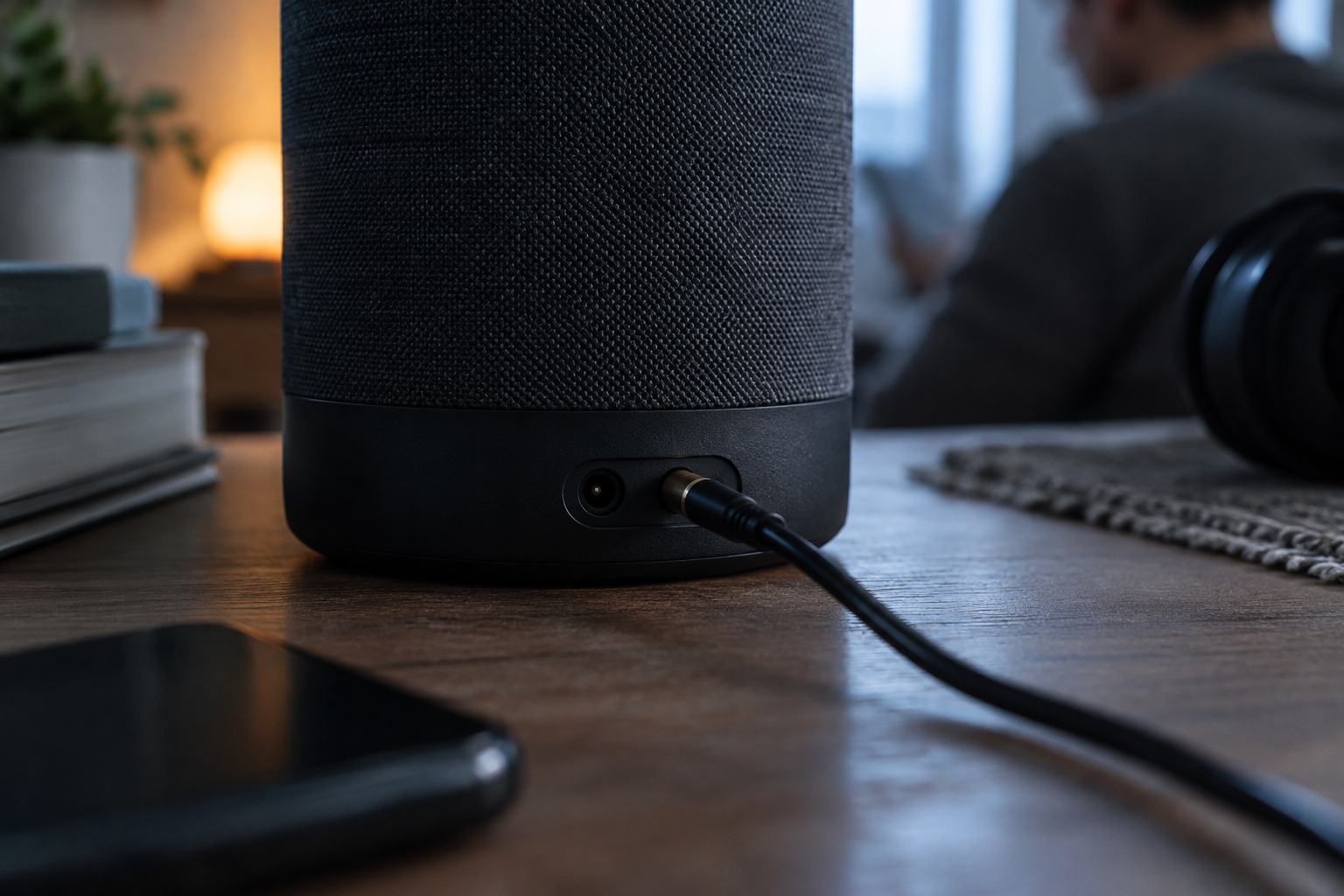
Keeping them operational requires knowing how to wipe them clean when the local cache corrupts or your router credentials change. The first-generation Google Home Mini demands that you flip the unit upside down. Google stamped a tiny circular reset button directly into the rubber base, seated right beneath the power cord port. Pressing and holding that recessed circle for five seconds initiates the reset sequence. You must keep holding it down for another ten continuous seconds until the speaker emits a chime, signaling complete erasure.
If you own the second-generation Google Nest Mini, that bottom button does not exist. Google altered the physical housing for the revision. Wiping a Nest Mini requires you to first slide the physical microphone toggle switch on the outer rim to the off position. The four LED lights embedded beneath the top fabric will immediately glow solid orange to indicate the microphone circuit is cut.
Once those LEDs show orange, you press your thumb down on the physical center of the speaker top, directly over the illuminated indicators. Holding the center down for five seconds begins the wipe sequence. Holding it for an additional ten seconds triggers the audible confirmation chime. Releasing early aborts the cycle and leaves your old data untouched.
Smart displays from the same operational era use a different physical sequence entirely. Resetting a Nest Hub or Nest Hub Max requires bypassing touchscreens and voice interfaces completely. You must locate the physical volume buttons on the back plastic casing of the display housing, press both volume-up and volume-down simultaneously, and hold them down together for ten continuous seconds until an on-screen warning confirms the reset process has taken hold.
Google launched the original Google Home Mini in the autumn of 2017 to counter Amazon's aggressively discounted Echo Dot. The business model relied on distributing low-margin microphones into every room of your house to vacuum up ambient voice requests and feed Google's search algorithms. Millions of households bought the pucks for thirty dollars or received them as holiday promotional giveaways from Spotify and mobile carriers.
In 2019, Google rebranded the hardware under the Nest umbrella, adding a wall-mount screw slot, slightly beefed-up bass response, and an onboard machine learning chip rated for one tera operations per second. The Nest Audio followed in 2020 as a replacement for the original 2016 Google Home air-freshener tower. For six years, those two form factors defined Google's physical entry tier for voice control.
The smart home industry spent ten years convincing you that hardware buttons were obsolete, yet when software fails, physical copper switches remain the only interface you can trust.
Managing this sprawling hardware base became messy as Google restructured its hardware division around newer machine learning models and larger ambient systems. Smart home owners who accumulated five or six of these pucks over the last decade now face distinct maintenance paths across models that look almost identical from two feet away:
Google maintains that existing devices remain fully supported members of the Google Home ecosystem. Company representatives confirmed to Engadget that stopping the assembly lines will not impact software reliability, security patch distribution, or basic voice functionality on existing units. In Google's official stance, ending production is simply the natural retirement of an aging product line following the debut of new hardware.
Secondary market buyers and device refurbishers see a practical bottleneck. Used Google Home and Nest Mini units routinely trade hands on marketplaces like eBay and Goodwill for less than fifteen dollars. When previous owners fail to wipe these devices before shipping, the new buyer inherits a brick tied to an unfamiliar Google account that refuses to latch onto a new local network.
Privacy advocates view the mandatory physical wipe as a necessary security wall. An accidental voice command or an unauthorized network script cannot wipe your home automation setup from outside the house. Wiping the memory permanently purges stored Wi-Fi credentials, linked Google account tokens, personalized voice-match profiles, and automated routine permissions. Once the chime sounds, that data cannot be reconstructed from the cloud.
If you run a factory reset on any of these discontinued pucks, the device restarts in its out-of-the-box discovery state. Recommissioning it requires opening the Google Home app on an Android or iOS smartphone connected to your local 2.4GHz or 5GHz Wi-Fi band, tapping the addition symbol, selecting the setup pathway, and waiting for Bluetooth proximity discovery to locate the unconfigured speaker.
Many users mistake simple network drops for terminal system corruption. Pulling the physical power barrel plug from the base for a full sixty seconds clears volatile memory and resolves temporary DNS routing failures without destroying personalized device configurations. A factory reset should remain your absolute final troubleshooting step before retiring the hardware.
Google's pivot away from the Mini and Audio lines leaves an enormous installed base of legacy silicon in service. While security patches will keep these speakers from becoming network liabilities, their constrained onboard memory means they will never run modern on-device language models locally. They will remain dumb ambient microphones tethered to Google's server farm, waiting for the physical switches on their chassis to put them out of their misery.
When Big Tech sunsets voice hardware, millions of ambient microphones instantly become legacy liabilities. The Nest Mini and Nest Audio dominated cheap entry-level voice control for nine years. Now, as Google pivots its server infrastructure toward heavier multimodal systems, these constrained pucks remain locked into maintenance mode. They will never run advanced local models. Knowing how to strip their memory and recommission them keeps aging hardware out of landfills and gives owners full control over who accesses their network tokens.
Reported off Engadget. Original reporting and analysis by Tobias Reinholt for Vox Roboti.
No. Google does not allow voice commands or mobile app triggers to reset smart speakers. You must use physical hardware controls on the unit.
Turn the puck over, find the small circular button etched beneath the power cord, and hold it down for fifteen seconds until it chimes.
Toggle the side microphone switch off to reveal orange LEDs, then hold down the center fabric top for fifteen seconds until the chime sounds.
Yes. Google stopped manufacturing new units for both models in 2026 after introducing a newer smart home speaker to replace them.
Yes. Google confirmed it will continue providing regular software updates, security patches, and active customer care for existing legacy units.
Rebooting by unplugging the speaker for sixty seconds clears minor bugs. A factory reset permanently erases your accounts, network credentials, and personal settings.
Selma Ortiz · 16h ago · 4 min read

Cass Iverson · 2d ago · 5 min read

Selma Ortiz · 2d ago · 5 min read