Voice AI
Amazon Silently Kills Alexa Voice Switching for Older Echo AUX Jacks
Selma Ortiz · 16h ago · 4 min read
iOS 27 turns Siri into an omniscient assistant powered by Google models and your private data. If you want your privacy back, prepare to dig through Screen Time menus.

By Devon Achebe, Infrastructure reporter · Reported off Engadget
Follows latency, cost and the parts of the stack vendors hide.
Apple spent a decade telling you that what happens on your iPhone stays on your iPhone. That era officially ended with iOS 27. The tech giant finally pushed out its long-delayed overhaul of Siri, and if you survived the rollout waitlist, your phone is no longer treating your personal notes and private messages as off-limits.
The new assistant, rebuilt under the hood with large language models trained alongside Google, acts less like a voice command parser and more like an untamed auditor of your daily affairs. To make the assistant clever, Apple gave it the keys to your personal library through an architecture called App Intents. Spotlight search and voice input now share the exact same brain. If you ask your phone a question, it no longer looks outward to the open web first. It combs your Messages, inspects your Notes, and rifles through any third-party app whose developer enabled system indexing.
Here is the real catch: local silicon cannot handle the entire heavy lift. When your query overwhelms the chip in your pocket, iOS 27 offloads the job to Apple's Private Cloud Compute infrastructure. Your personal context gets shipped off to a server bank. Apple insists those remote nodes discard the data immediately and maintain zero visibility into your identity. But the reality remains unchanged. The private walled garden now has a live exhaust pipe running straight to remote compute clusters.
On October 5, 2026, Igor Bonifacic broke down the privacy mechanics of iOS 27 for Engadget, revealing just how deeply the new Siri digs into personal files. The system no longer waits for you to dictate a note or set an egg timer. It indexes content across internal apps by default, meaning every exchange with a friend or private memo can be grabbed to satisfy a prompt.
When a developer adopts Apple's App Intents framework, they permit the assistant to harvest context directly from their software. A question about an upcoming flight or a restaurant recommendation gives the assistant license to scan your active correspondence and pull details directly from third-party travel planners. If you ask Siri to summarize an exchange with a coworker, it reads the conversation, analyzes the sentiment, and serves up the answer.
This behavior relies on a radical consolidation of system utilities. In iOS 27, Apple unified Siri and Spotlight under a singular operational layer. The search bar that once merely launched installed applications or looked up contacts now executes deep natural-language queries across every database stored on the device.
Then there is the visual snooping. Under a feature dubbed on-screen awareness, Siri reads the contents of screenshots and active visual displays. It can parse a complex chart, summarize an article you have open in a browser, or decipher text trapped inside an image. If the analysis exceeds local hardware capability, those raw images get routed directly to Private Cloud Compute servers. Apple guarantees the remote machines keep no logs, but users must trust remote server architecture rather than local hardware limits.
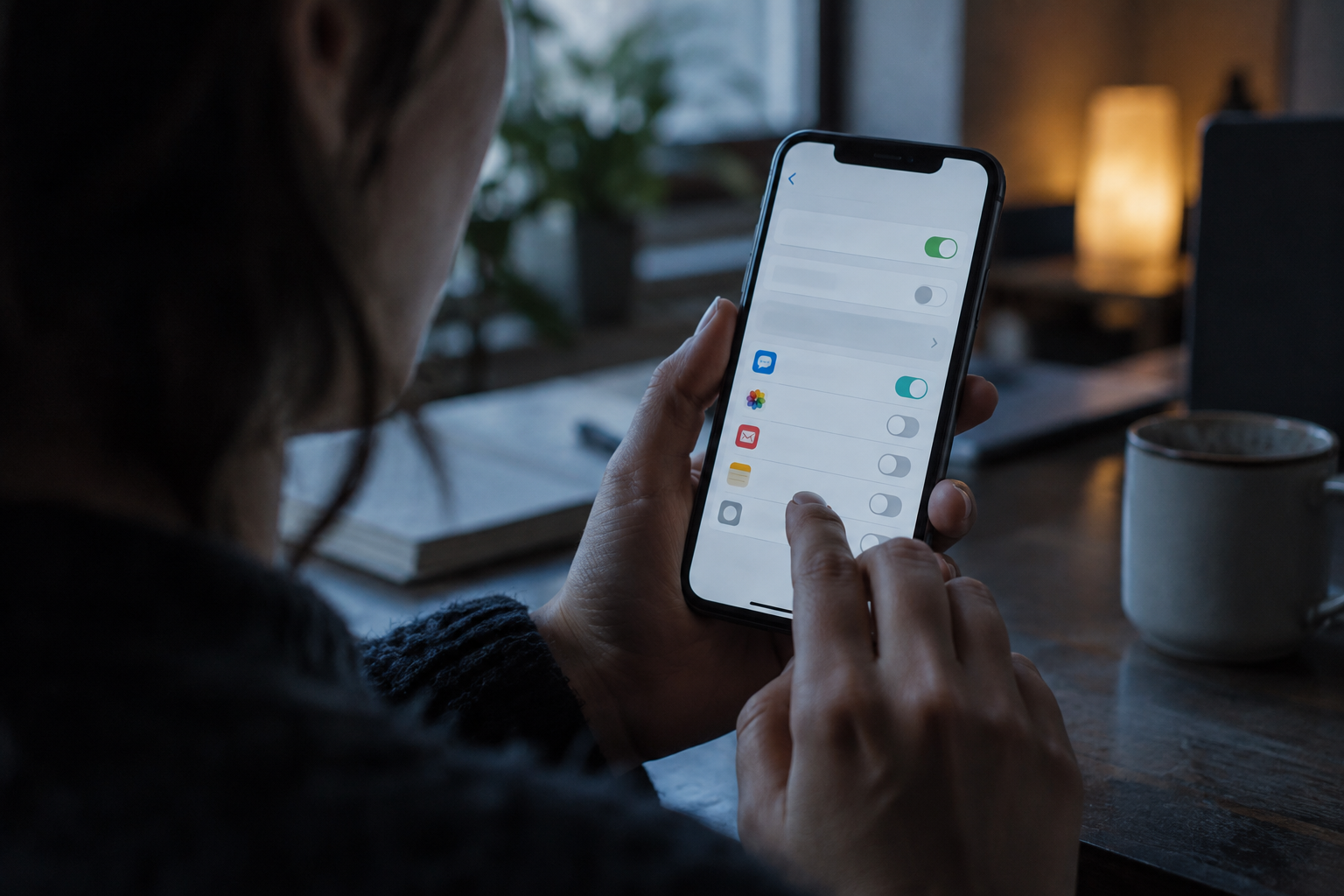
To shut down this data collection, you have to dismantle it manually:
Repeating that sequence across every installed program cuts off the assistant's ability to read your content. Disable the toggle on Messages, and Siri will simply claim it cannot find the thread when you order it to produce a summary.
Apple spent years falling behind in the generative artificial intelligence arms race. While competitors rolled out voice agents capable of fluid discourse, Siri remained an industry joke, unable to tell you the weather without fumbling basic syntax. The delay forced Apple into a corner, ending in an unexpected compromise: partnering with Google to train the foundational large language models steering the new assistant.
For a company that built its modern marketing posture on consumer privacy, bringing Google into the training loop and opening device-level data stores to machine learning was a bitter pill. Apple could not run frontier-grade intelligence entirely on a handheld battery. To keep pace with standalone voice models, Apple engineered Private Cloud Compute, pitching it as an uncompromised silicon sandbox in the cloud.
Apple partnered with Google to train the new large language models that power Siri AI features, turning device-level messages and personal notes into the fuel required to make the voice assistant actually functional.
Yet the structural changes to iOS tell a different story. In previous operating system builds, voice commands operated largely in silos. An application had to be explicitly commanded via SiriKit integrations, and Spotlight acted as an indexer of basic metadata. By welding Spotlight and Siri together in iOS 27, Apple eliminated the wall between searching your phone and executing autonomous actions over your personal records.
The framework relied on developer compliance. If an independent software developer wanted their utility to remain relevant in iOS 27, they had to implement App Intents. The moment they turned that switch on, they granted Apple's unified search model permission to parse whatever user data their app generated. The price of an intelligent assistant was the total surrender of local data isolation.
Early hands-on evaluations show the upgrade does what Apple promised, but the privacy trade-offs are making analysts uncomfortable. Engadget reviewer Mat Smith, testing early builds of iOS 27, noted that the revamped assistant represents a massive functional jump over the legacy tool, specifically praising its talent for delivering contextual, deeply tailored answers.
At the same time, privacy observers are pointing out the labyrinthine user interface Apple erected to manage these permissions. Bonifacic highlighted that while users technically retain control over what the assistant indexes, exercising that control requires jumping through repetitive menu layers. Turning off search visibility inside individual apps breaks natural-language conveniences, effectively forcing users to pick between digital competence and standard data privacy.
Critics have also called out Apple's obscure settings architecture. Rather than placing legacy assistant controls under the dedicated Siri menu, Apple buried the option to revert to the old assistant inside the Screen Time partition. Privacy watchdogs argue that tucking the toggle away beneath parental control screens prevents typical consumers from ever discovering it.
Apple maintains that its server pipeline remains pristine. The company stated on the record that data routed to its Private Cloud Compute hardware is cryptographically blinded, inaccessible to Apple engineers, and discarded the moment the compute transaction finishes. For security researchers, however, sending unencrypted screen captures and personal records off a physical device to remote infrastructure represents a permanent downgrade from the local-only standard Apple promoted for nearly a decade.
Users who care about their privacy perimeter are now facing an operating system that requires active management. Beyond cutting off individual app access through the Search menu, keeping your voice footprint clear demands scrubbing Apple's data retention programs.
During initial device activation, iOS 27 invites users to improve system features. Many users blindly agreed, inadvertently opting into audio and text analysis programs. To verify your device is not uploading your interactions for ongoing model improvement, you must navigate to Settings, select Privacy & Security, tap Analytics & Improvements, and toggle off Improve Siri & Dictation. Leaving that setting active means Apple uses your voice transcripts to refine future iterations of its software.
If you want to cut the cord entirely without losing voice capabilities inside features like CarPlay, Apple left an escape hatch, though it requires hunting through the system:
Selecting Siri Classic restores the older, simpler voice parser. You lose the complex reasoning, the screen parsing, and the cross-app summarization. In exchange, your phone stops shipping queries to Private Cloud Compute and leaves your private text threads unindexed.
The final nuclear option is complete termination. In Settings under the Siri menu, selecting Turn off Siri kills the assistant entirely. As iOS 27 rolls out beyond the initial waitlist, Apple is wagering that the vast majority of users will pick the convenience of an omniscient assistant over the friction of managing privacy toggles. The voice market has moved past isolated voice commands, and the cost of entry is everything stored on your screen.
Apple's capitulation on local-only processing proves that true voice autonomy cannot survive on device silicon alone. By partnering with Google and routing queries to Private Cloud Compute, Apple scrapped its strongest marketing moat to match frontier capabilities. Voice assistants are no longer isolated command utilities. They are full-device indexing engines. For the broader industry, the message is plain: if you want conversational intelligence that actually works, local privacy is the first luxury you throw overboard.
Reported off Engadget. Original reporting and analysis by Devon Achebe for Vox Roboti.
Siri uses App Intents to scan system databases and third-party apps. It reads Messages, Notes, and on-screen content whenever you ask a contextual question.
Yes. Open Settings, tap Apps, select Messages, tap Search, and switch off Show Content in Search to stop all indexing.
Yes. Apple partnered with Google to train the large language models that run the redesigned assistant in iOS 27.
Apple claims Private Cloud Compute servers delete data immediately after processing. However, if Improve Siri & Dictation is enabled in Analytics, transcripts may be retained.
Go to Settings, open Screen Time, select Content & Privacy Restrictions, tap Siri, and choose Siri Classic under the Allowed Siri Version setting.
It is an accessibility and utility feature that lets Siri read images and screenshots on your display, sometimes offloading them to remote servers.
Selma Ortiz · 16h ago · 4 min read

Cass Iverson · 2d ago · 5 min read

Selma Ortiz · 2d ago · 5 min read