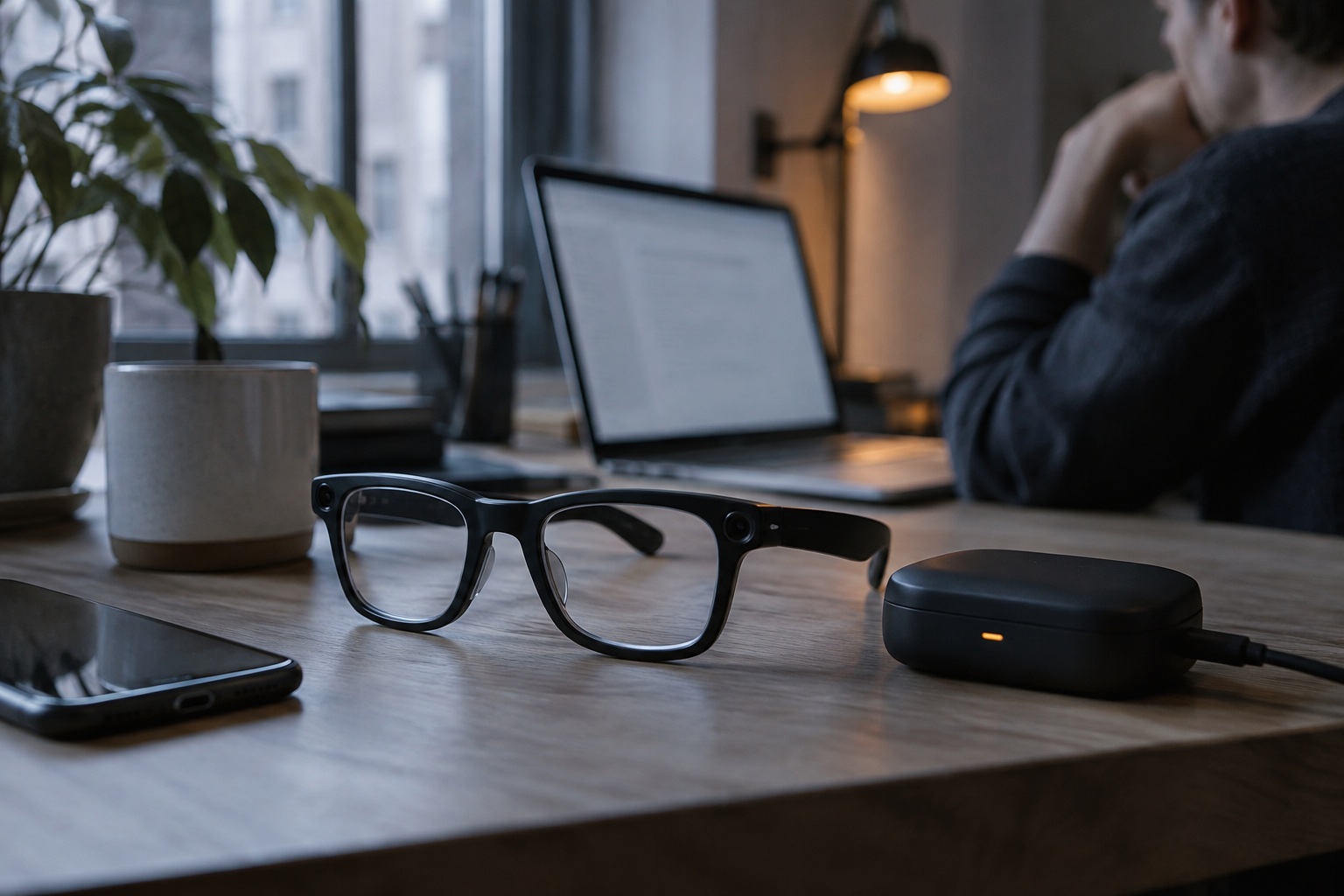
Voice AI
Smart Glasses Want Your Eyes, but Your Nose Bridge Can't Afford Them
Selma Ortiz · 1d ago · 6 min read
Apple is rolling out conversational audio capture to developers. Live Rewind and Siri Recaps want to track your speech without igniting a privacy riot.

By Devon Achebe, Infrastructure reporter · Reported off TechCrunch AI
Follows latency, cost and the parts of the stack vendors hide.

Apple slipped an ambient audio buffer onto your wrist. With the arrival of the developer beta for iOS 27.3, the company began live testing its Audio Intelligence suite for the Apple Watch Series 12 and Apple Watch Ultra 4.
Two of the four features are standard utility fare. Sound recognition identifies sirens, doorbells, and alarms for deaf and hard-of-hearing users. Song recognition uses Shazam to spot background tracks. The other two features cross the line into ambient listening: Live Rewind and Siri Recaps.
Live Rewind acts as an immediate conversational safety net. When a colleague rattles off verbal directions or a waiter lists daily specials too fast, you double-press the digital crown. The watch reaches back into a rolling fifteen-second audio memory and renders the speech as a text snippet directly on the screen.
Once that text appears, you have thirty seconds to decide what to do with it. You can ignore it and let it vanish into digital dust. You can push it directly into the standalone Siri application that arrived in iOS 27. You can also tap an inline Ask Siri prompt underneath the text to explain unfamiliar terms or decode whatever the speaker just mumbled.
To keep wearers from turning into covert wiretappers, Apple built in deliberate physical feedback. Double-pressing the crown fires an audible chime and a visual animation on the display. It is an intentional signal to everyone within earshot that you just saved the last quarter-minute of vocal sound.
Siri Recaps goes several steps deeper into ambient capture. Instead of grabbing a quick snippet, it tracks ongoing spoken discussions and compiles high-level summaries. Apple claims the system extracts only bullet points covering deadlines, pricing tables, payment schedules, and action items.
Apple claims your watch is not eavesdropping, but rather buffering reality on a fifteen-second loop just in case your attention drifts.
Crucially, Siri Recaps strips out human delivery. It does not perform speaker diarization, does not store raw acoustic audio, and avoids word-for-word transcripts. The software is programmed to produce cold, tone-free bullet points while deliberately filtering out sensitive text, including:
Apple initially previewed this Audio Intelligence framework in September at its Surprise and Shine hardware presentation. The timing of this beta test is not accidental. The tech sector is currently littered with the smoking wreckage of wearable AI gadgets that alienated bystanders by quietly recording public spaces.
Meta took heavy fire over the covert recording capabilities of its camera glasses. Other standalone AI badges and pendants failed entirely because users felt uneasy wearing microphones that never sleep. Apple is attempting to normalize always-listening hardware by layering it in defensive software boundaries.
Making this work requires a delicate hardware chain. The speech features only function on hardware running the S11 chip, paired with an iPhone that acts as the heavy computational engine. The hardware microphone on the Apple Watch feeds an always-on processor with a dedicated audio buffer sealed inside a hardware-isolated secure enclave.
This architecture keeps raw sound away from the watch operating system and Apple servers alike. Lightweight neural models running directly on the S11 processor evaluate incoming acoustic signals to determine whether the wearer is actively participating in a conversation. Once the S11 confirms human speech, it shuffles the data across a secure wireless bridge to the paired iPhone secure enclave.
From there, local processing on the phone strips filler words and transforms the sound into condensed text. That text is encrypted and dispatched off-device to Apple Private Cloud Compute. The cloud node summarizes the text, sends the bullets back to the handset, and instantly destroys the source data and intermediate summarizations. The completed recaps sync between user devices under end-to-end encryption. Apple claims this pipeline consumes zero noticeable battery overhead on either the watch or the phone.
Privacy advocates remain suspicious of any device that maintains a perpetual acoustic buffer in public rooms. Even with a dedicated chime and an animated display, a watch screen is tiny. In a loud bar or a crowded subway car, a quick chirp from a watch speaker is easily masked by ambient noise. Skeptics point out that fifteen seconds is more than enough time to harvest private remarks without meaningful consent.
Apple frames the tool strictly as a productivity and accessibility feature. The corporate stance argues that manual note-taking is clumsy when your hands are full during parent-teacher conferences, training sessions, or fast-paced technical meetings. By stripping out vocal emotion and speaker identification, Apple argues it is merely automating the natural human habit of jotting down factual notes.
Hardware purists have questioned the social awkwardness of the gesture. Double-pressing the digital crown while someone is talking sends an unmistakable message that you stopped paying attention fifteen seconds ago. The visual and audio notifications ensure that your inattention is announced publicly to everyone standing nearby.
Users who tested early versions of Siri Recaps note that the system enforces aggressive guardrails. If you put on headphones to listen to music or turn on active noise cancellation, the recaps stop running automatically. Apple designed the software to stand down the second you isolate your own ears from the physical room.
The software is currently locked behind developer builds of iOS 27.3 and watchOS. Apple plans to expand the trial to public beta testers before rolling out general availability to all Apple Watch Series 12 and Ultra 4 owners.
Once live, users will have to navigate a strict retention schedule. Siri Recaps will not pile up quietly in the background. The operating system actively pushes prompts to your wrist at the end of the day, demanding you review what the watch overheard. A second reminder surfaces the following morning when you first unlock the device.
Wearers must explicitly choose whether to discard the recaps, route them into Apple Notes, or export them to the Journal app. Any recap ignored for seven days is automatically purged from local storage.
Users can also cage the feature using granular scheduling. The settings allow wearers to restrict conversational listening strictly to work hours, prevent recaps from ever running at home at night, or kill ambient listening instantly using a Control Center toggle.
Whether consumers will actually tolerate wearing an ambient stenographer depends on how reliable those software locks prove to be in the wild. Apple is betting that if it strips the audio files, deletes the text, and rings a little bell every time it listens, society will finally let speech-recording wearables slide.
Apple is trying to solve the fatal flaw of ambient voice computing: public hostility. By swapping covert recording for audible chimes, strict local buffers, and ephemeral cloud processing, Cupertino wants to make always-on speech capture socially acceptable. If users embrace an ambient audio buffer on their wrists, the voice AI sector will shift from reactive push-to-talk voice assistants to continuous background processing of daily human speech.
Reported off TechCrunch AI. Original reporting and analysis by Devon Achebe for Vox Roboti.
These conversational features require the Apple Watch Series 12 or Apple Watch Ultra 4, both running the S11 processor alongside a paired iPhone.
Double-pressing the digital crown grabs the last 15 seconds of spoken audio from a temporary buffer and displays it as text on the screen.
Yes. Activating Live Rewind plays an audible chime and displays a visible animation on the watch face to signal nearby people that audio was captured.
No. Siri Recaps does not save acoustic audio or verbatim transcripts. It only produces factual bullet points and deletes the source text immediately.
If you do not review and save your daily recaps to Apple Notes or the Journal app, they delete automatically after seven days.
No. The system halts recapping automatically if you are listening to music through headphones or running active noise cancellation.
Selma Ortiz · 1d ago · 6 min read
Selma Ortiz · 2d ago · 4 min read
Ray Dalton · 5d ago · 5 min read